 Türkçe tr
 English en
 Русский ru
 العربية ar
 Español es
 Português pt
 Azərbaycanca az
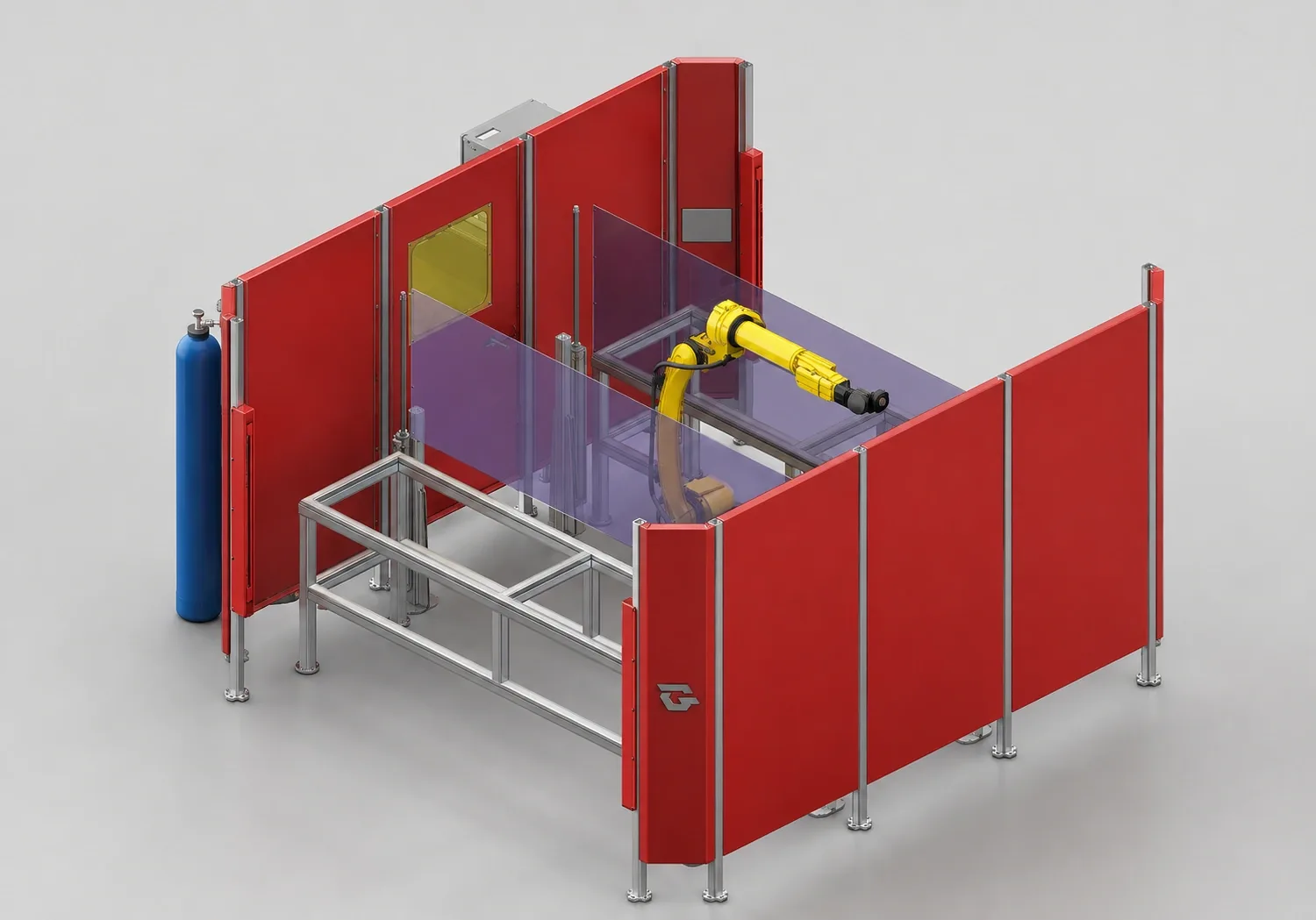
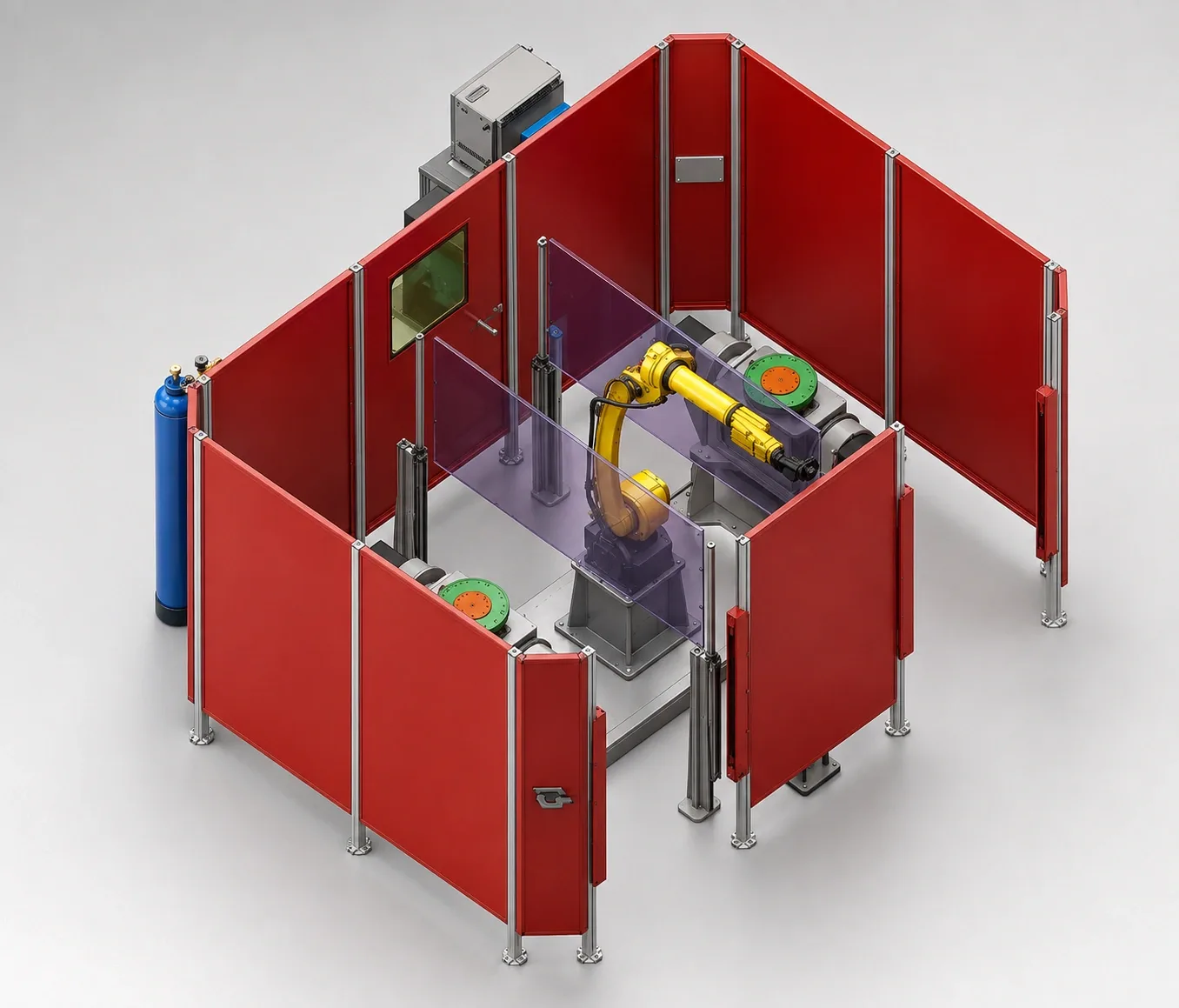
System 01Single-robot
Two-work-area welding cell
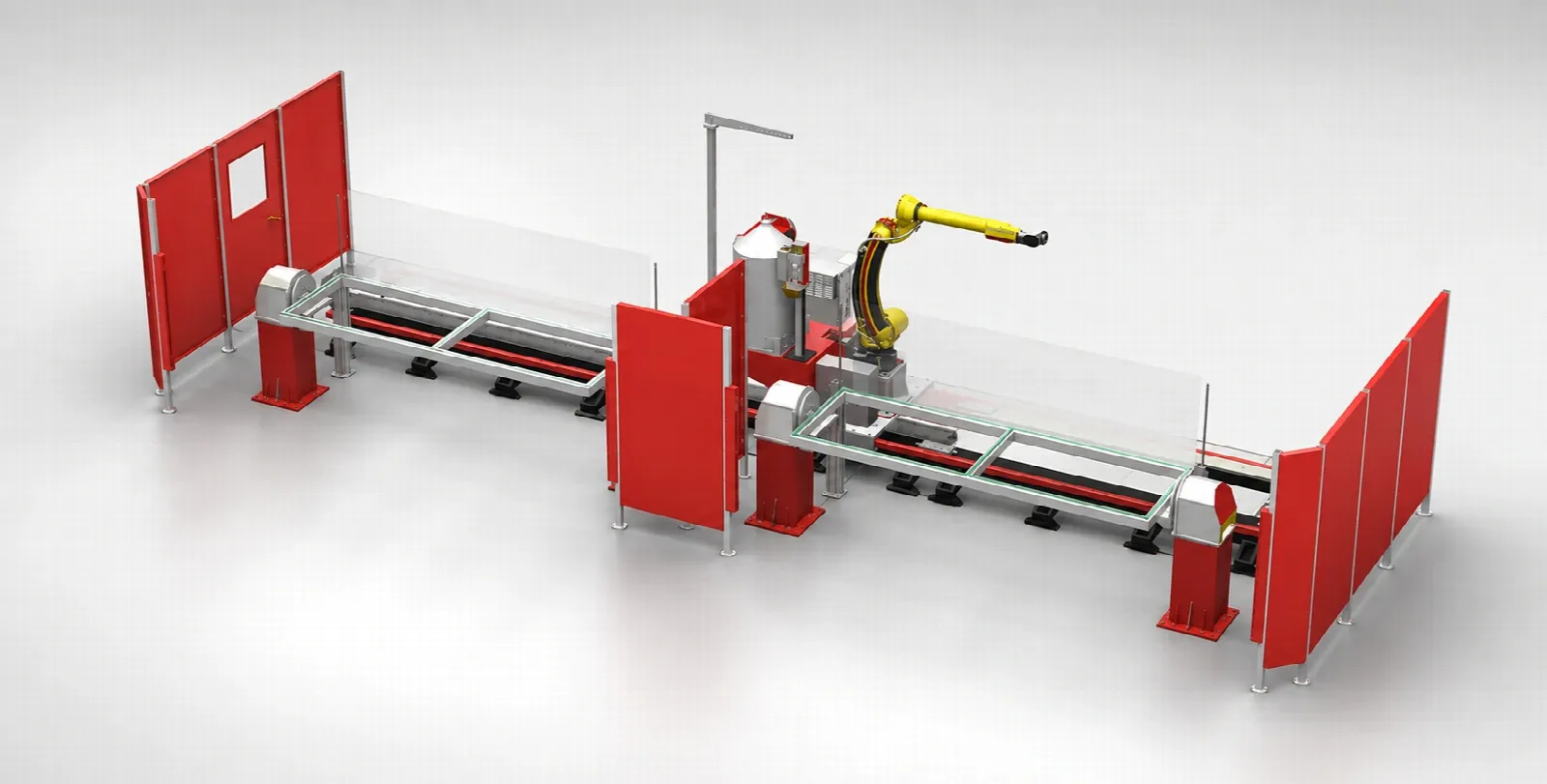
A welding cell layout with one robot in the centre and part loading areas on both sides.
System details12 welding cells across single-robot, dual-robot and long-part layouts. Rotate each system in its 3D model; we will adapt it to your part together.
Single- and dual-robot cells and long-part stations. Review each system from different angles and in its 3D model; see how the robot, part positioner and working area fit together.
System 01Single-robot
A welding cell layout with one robot in the centre and part loading areas on both sides.
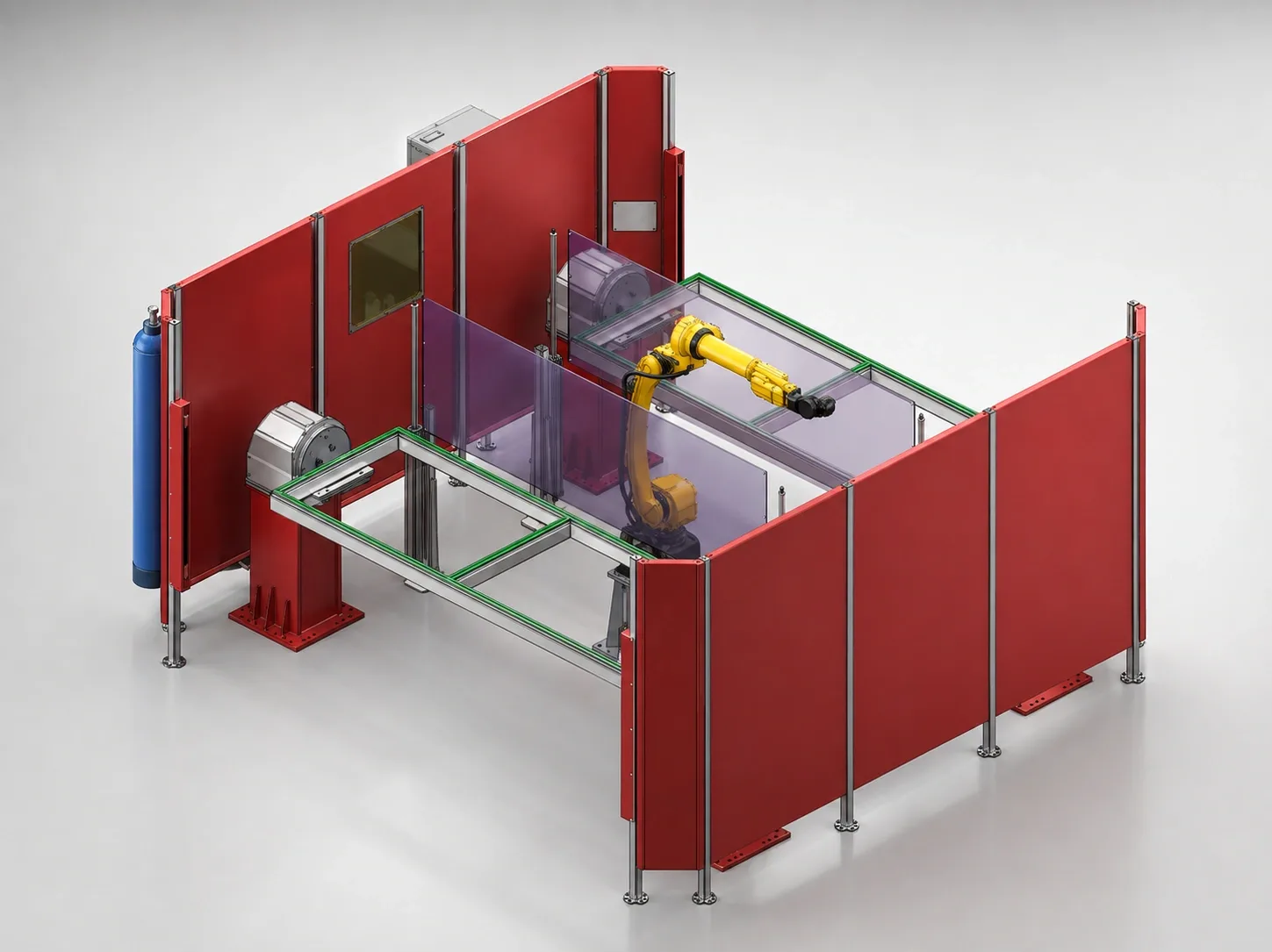
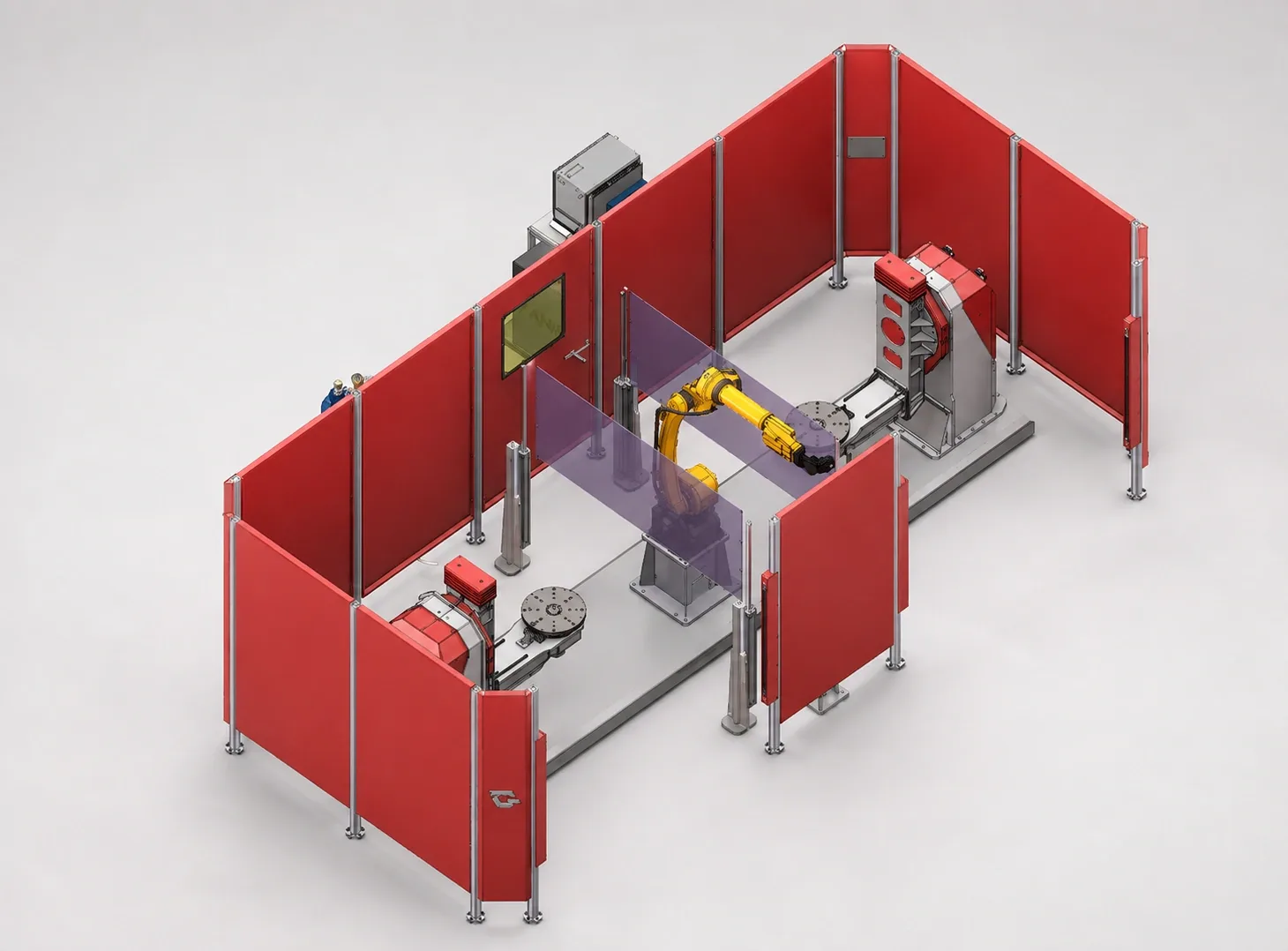
System detailsSystem 02Single-robot
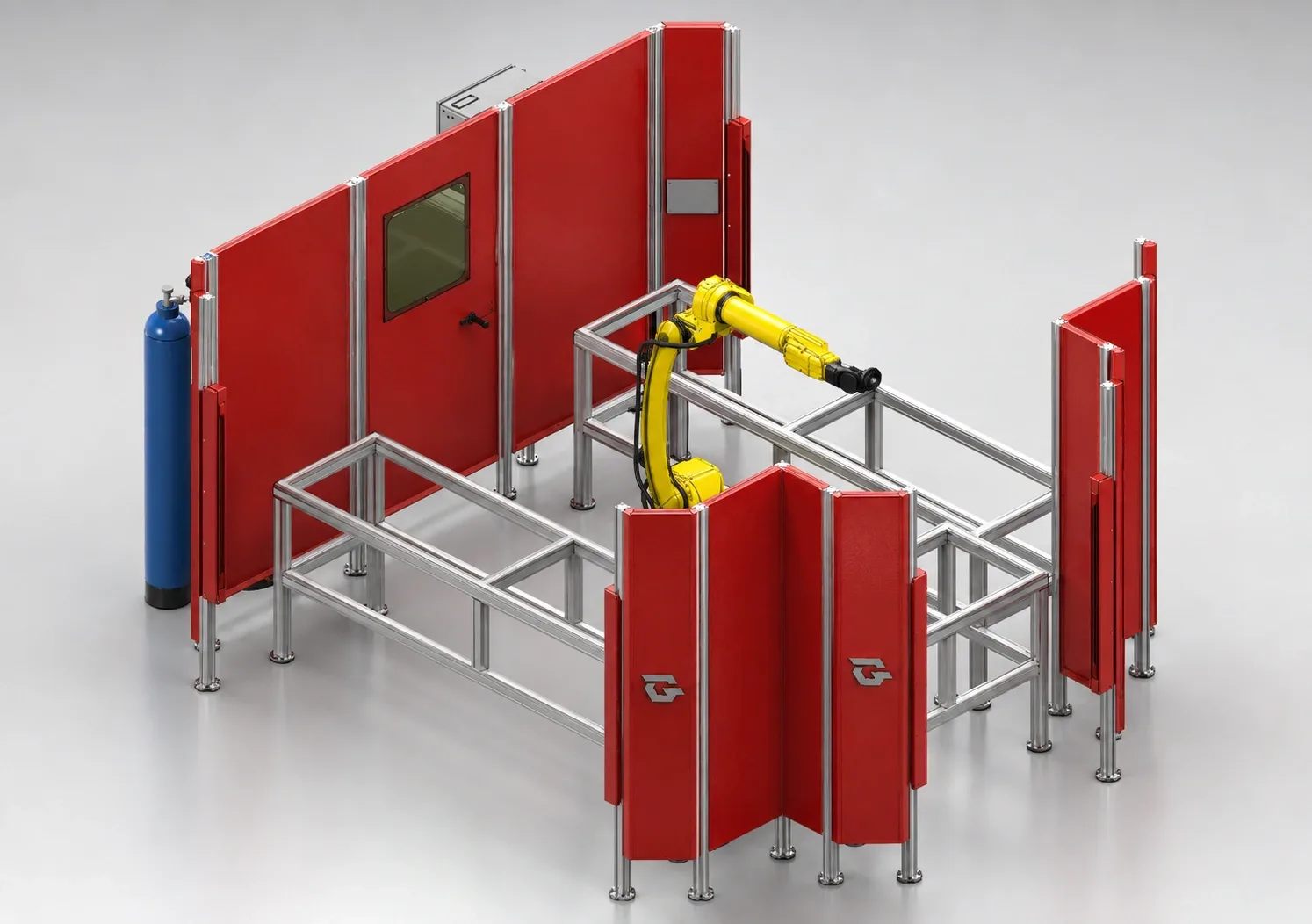
A welding cell layout in which the work sections around the robot are separated by panels.
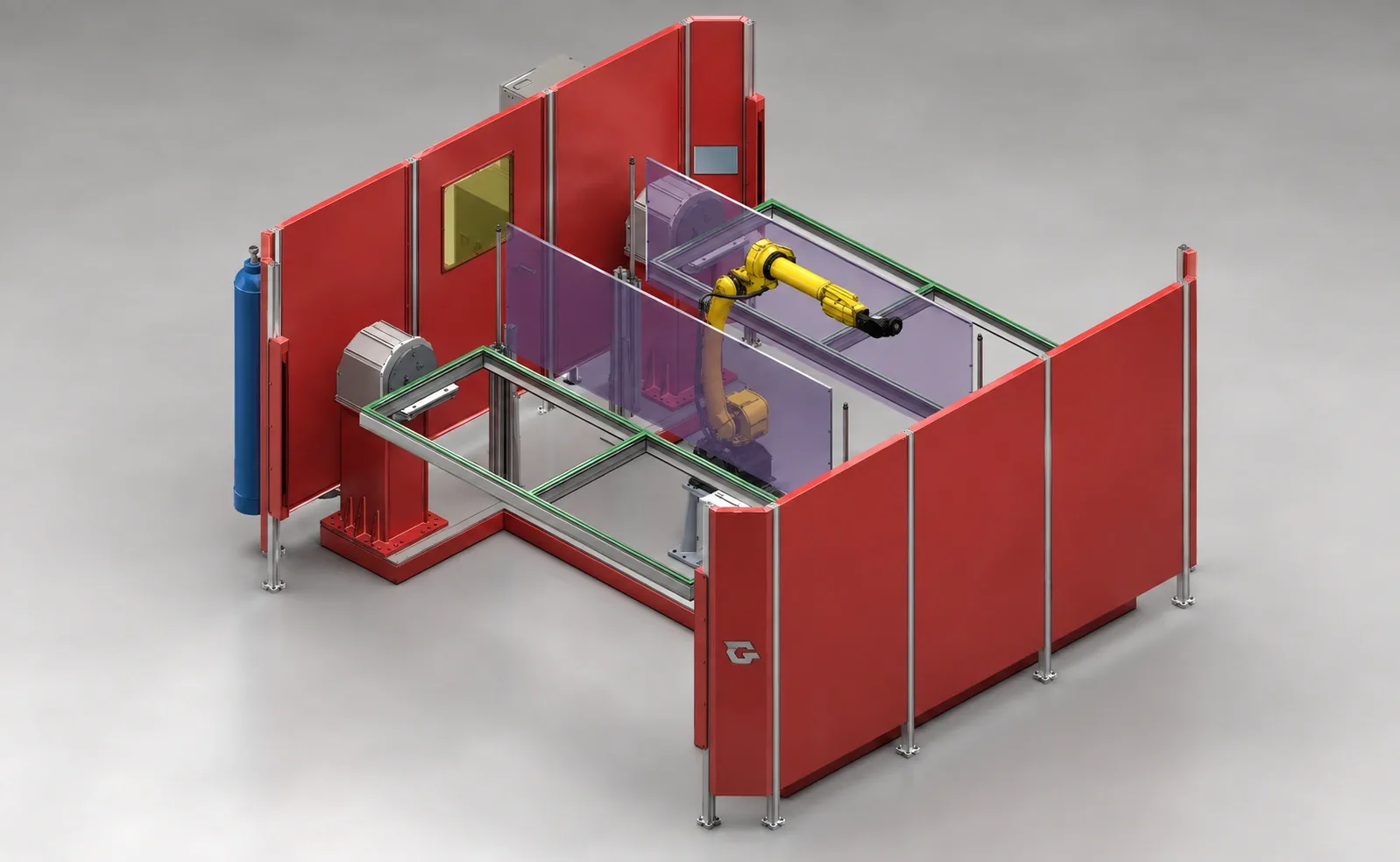
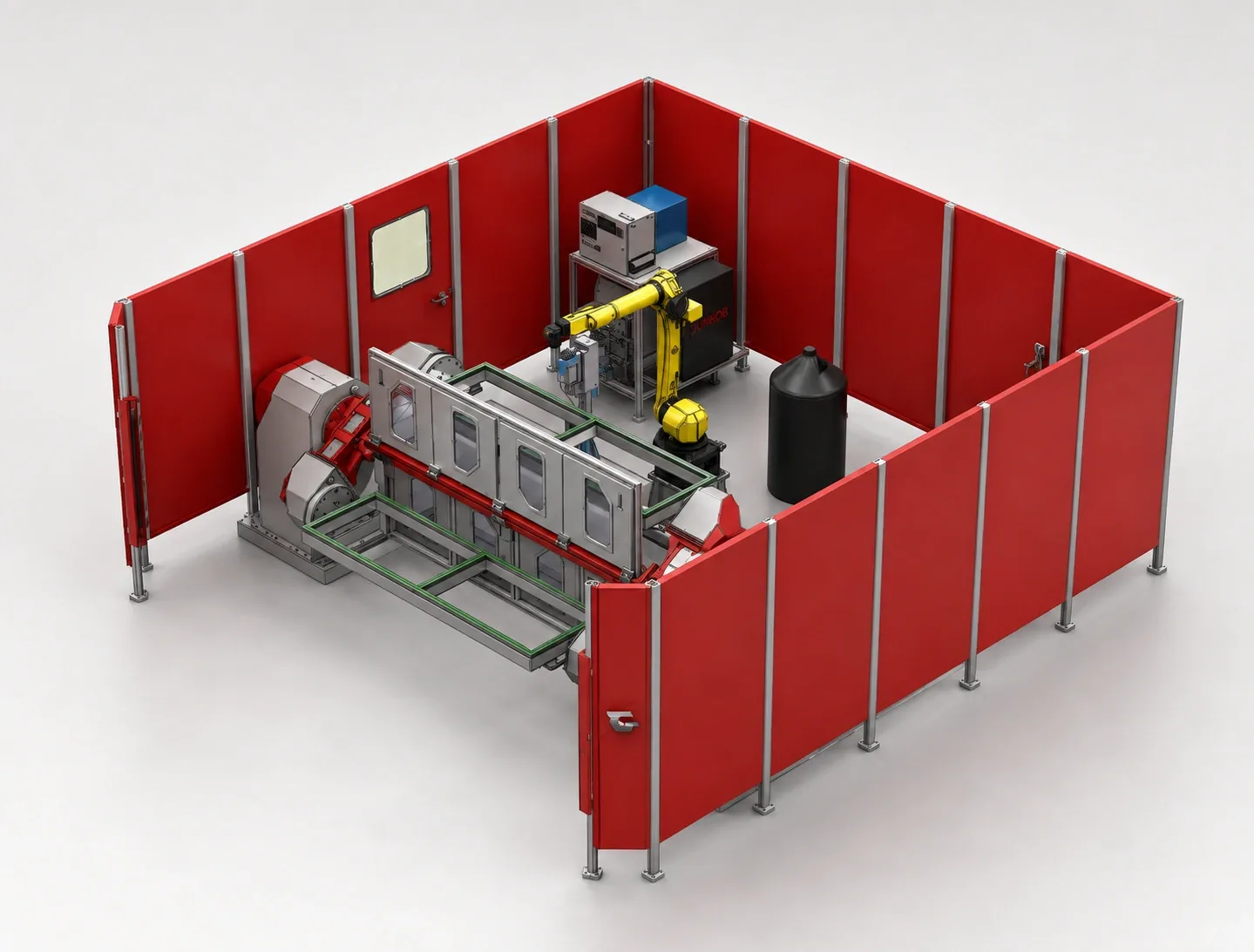
System detailsSystem 03Single-robot
A welding station with a part carrier and positioning arrangement in front of the robot.
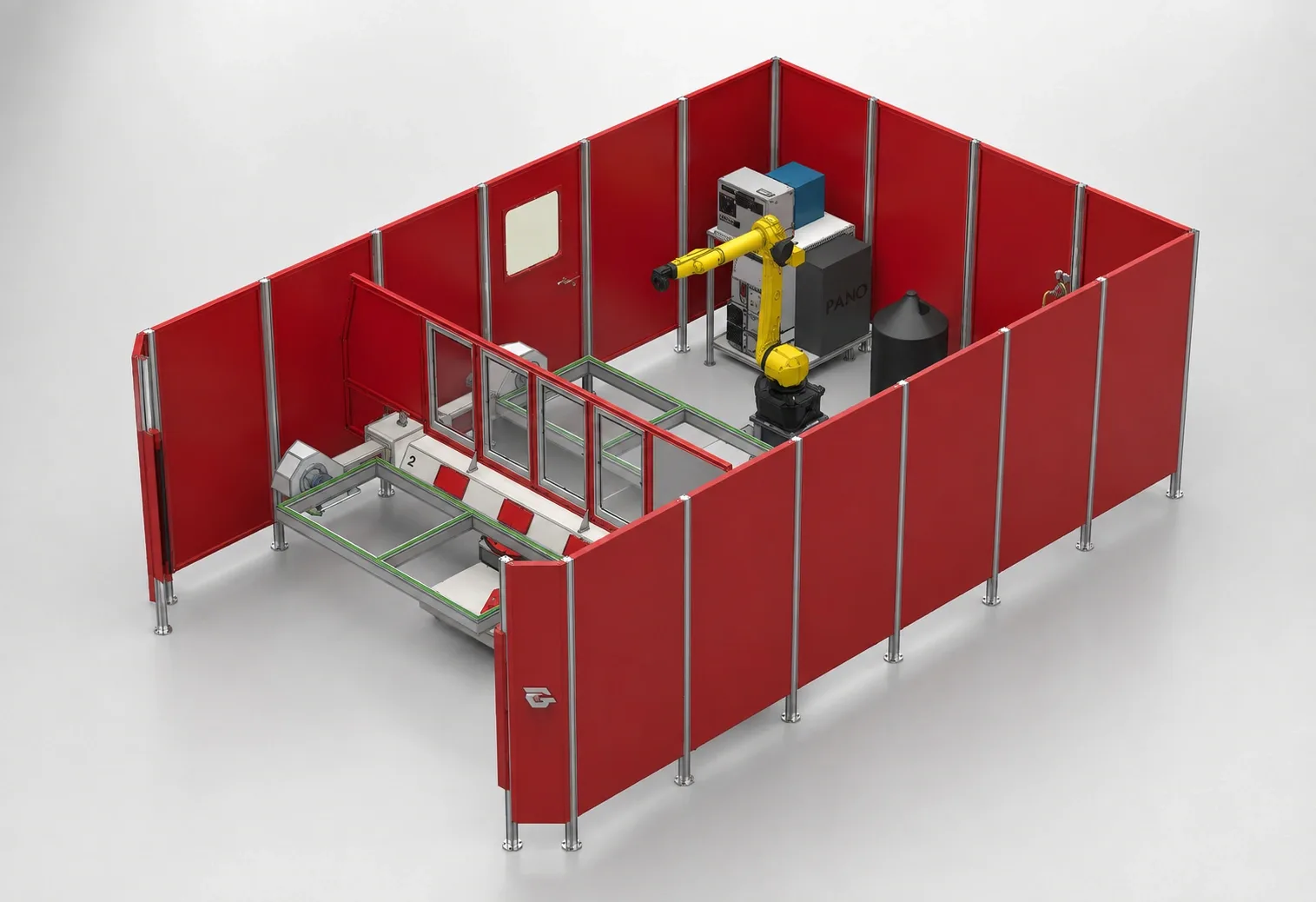
System detailsSystem 04Single-robot
A single-robot welding station built around an extended part carrier frame.
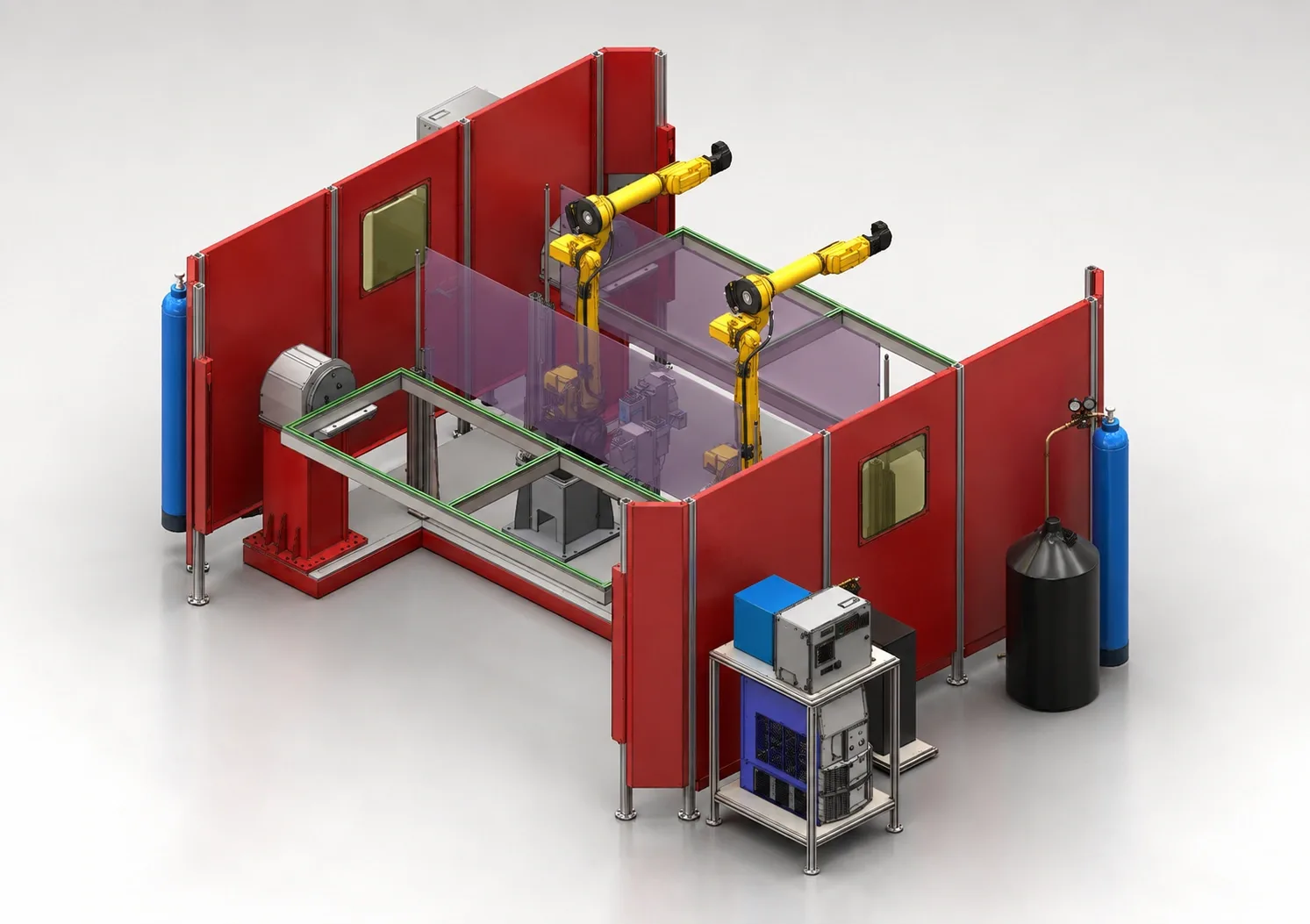
System detailsSystem 05Dual-robot
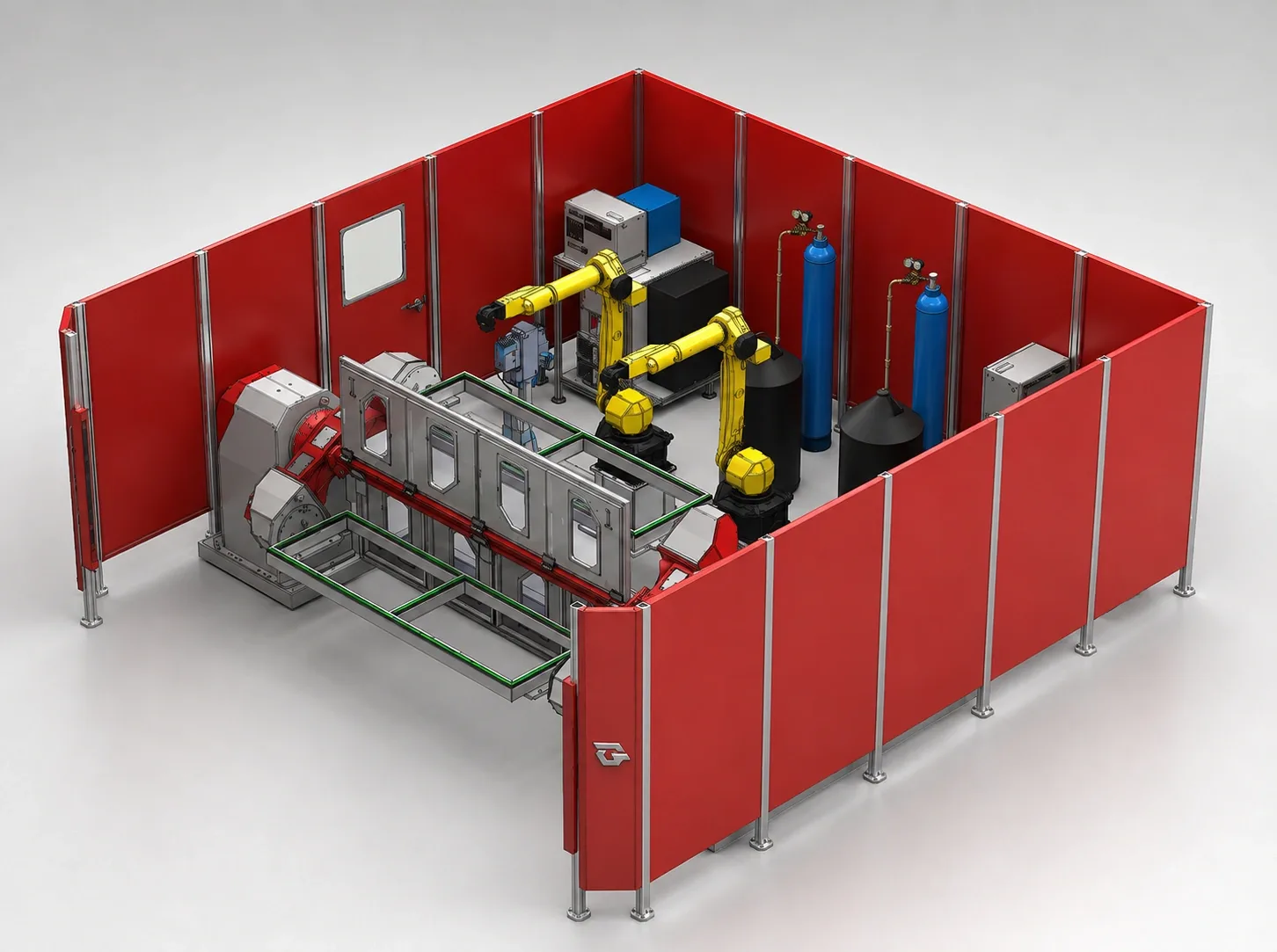
A welding system in which two robots and a shared part work area are arranged together in the same cell.
System detailsSystem 06Single-robot
A welding cell in which the robot and part positioning units are grouped in a compact work area.
System detailsSystem 07Single-robot
A welding cell with part positioning stations on both sides of a central robot.
System detailsSystem 08Single-robot
A welding cell in which a wide frame carrier and auxiliary equipment are positioned together in front of the robot.
System detailsSystem 09Single-robot
An alternative welding cell layout showing the part work frame, robot and perimeter panels together.
System detailsSystem 10Dual-robot
A welding system in which two robots are positioned around a wide part work area.
System detailsSystem 11Long part
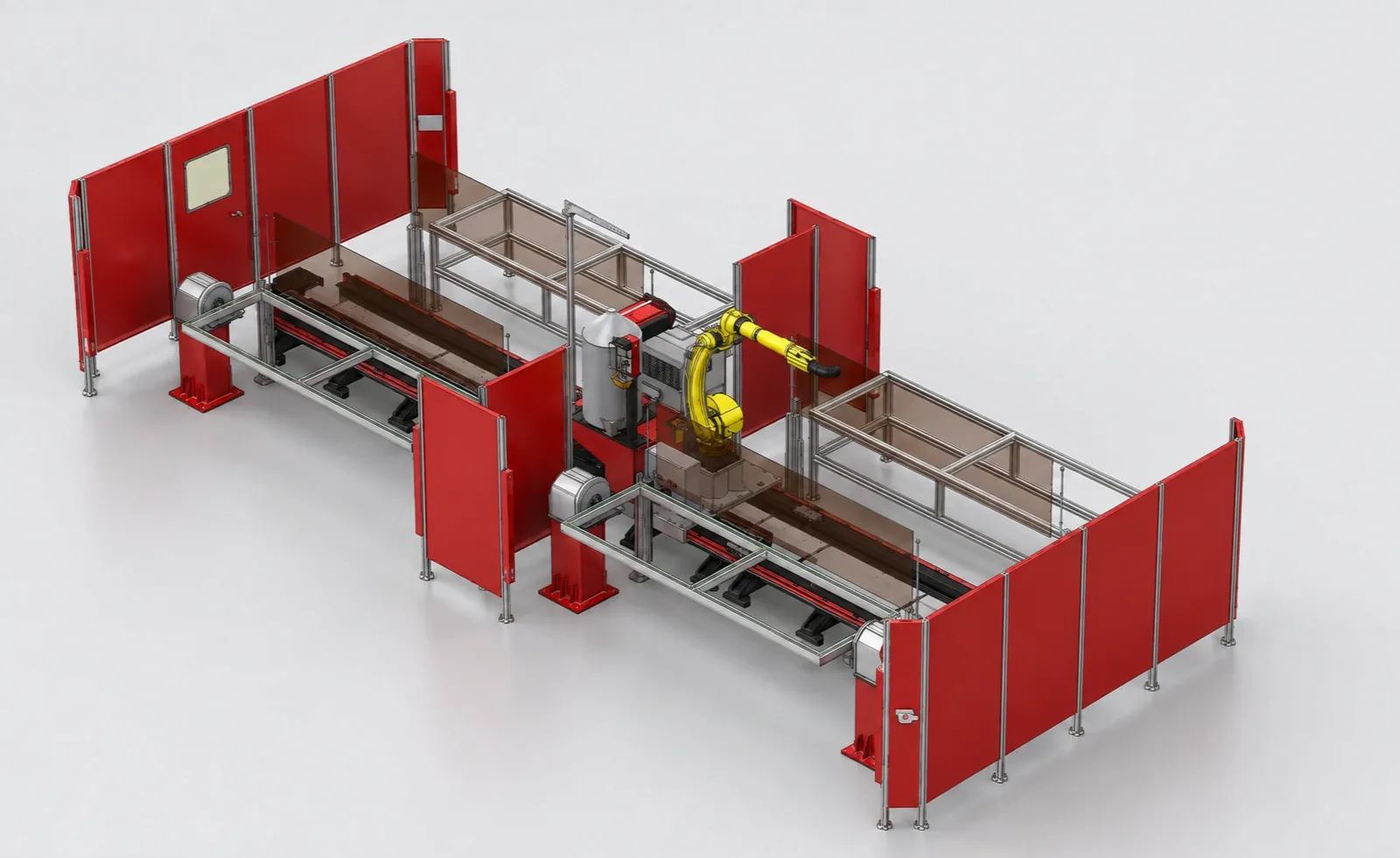
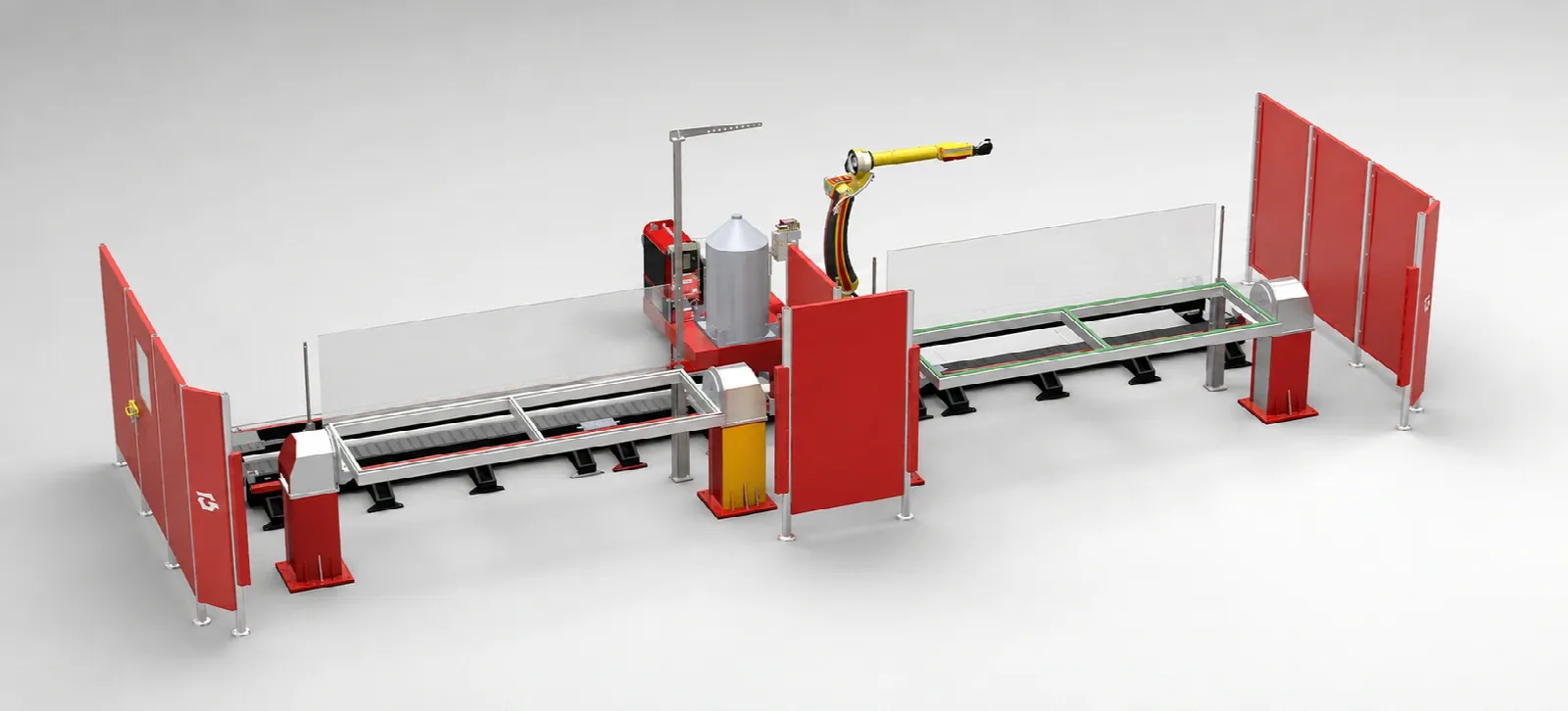
A welding cell arranged in a line, with the robot in the centre and part stations extending in two directions.
System detailsSystem 12Long part
A welding station showing part carriers extending on both sides of the robot and divider panels.
System detailsThese systems are layout options for starting a project; they are not stock items or a standard delivery commitment. The robot, welding package, fixture, dimensions and guarding are finalised for your application.
A ready robotic welding system is a welding cell in which the robot, part carrier, fixture areas and guarding panels are brought together in a pre-designed layout. Instead of starting the project from scratch, you start from the layout closest to your part.
Each system is a starting point: the robot brand, welding equipment, fixture and cell size are defined according to your part, material and production volume.
We have grouped the systems into three families: single-robot cells, dual-robot cells in which two robots work on the same part, and linear stations for long parts. On each page you can rotate and inspect the system's 3D model with your mouse or by touch.
The layout you choose is the start of a project shaped around your part.
We collect the part drawing, material, welding process and annual volume.
We select the system best suited to your part and check robot reach and loading direction.
We design the fixture, welding equipment and guarding layout for the project.
We install and program the cell, hand it over after trial production and train your team.
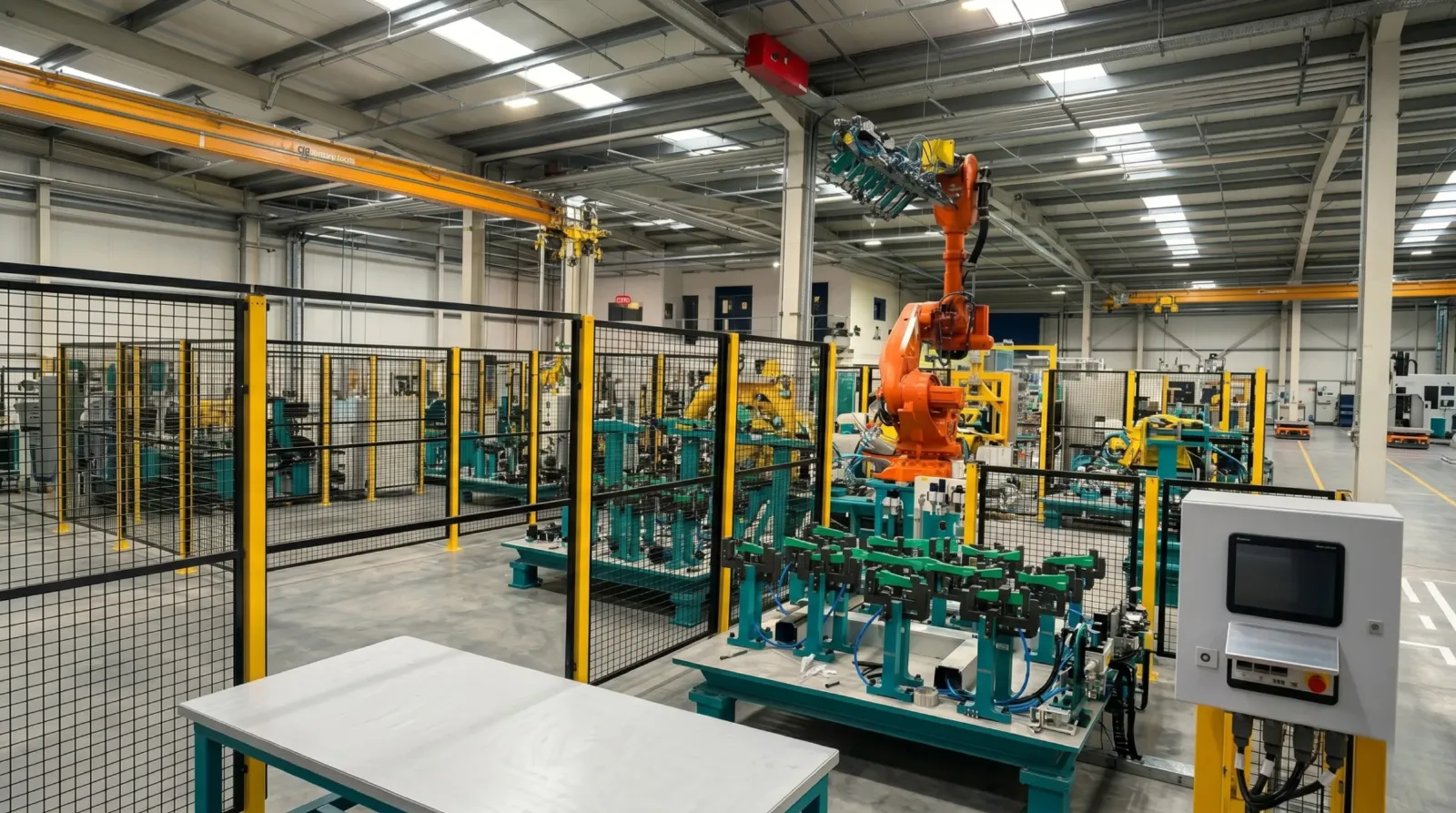
Share your part drawing, material and annual volume; together we will define the layout, fixture and robot selection for your project.